City Fitness App
Download our new Mobile App
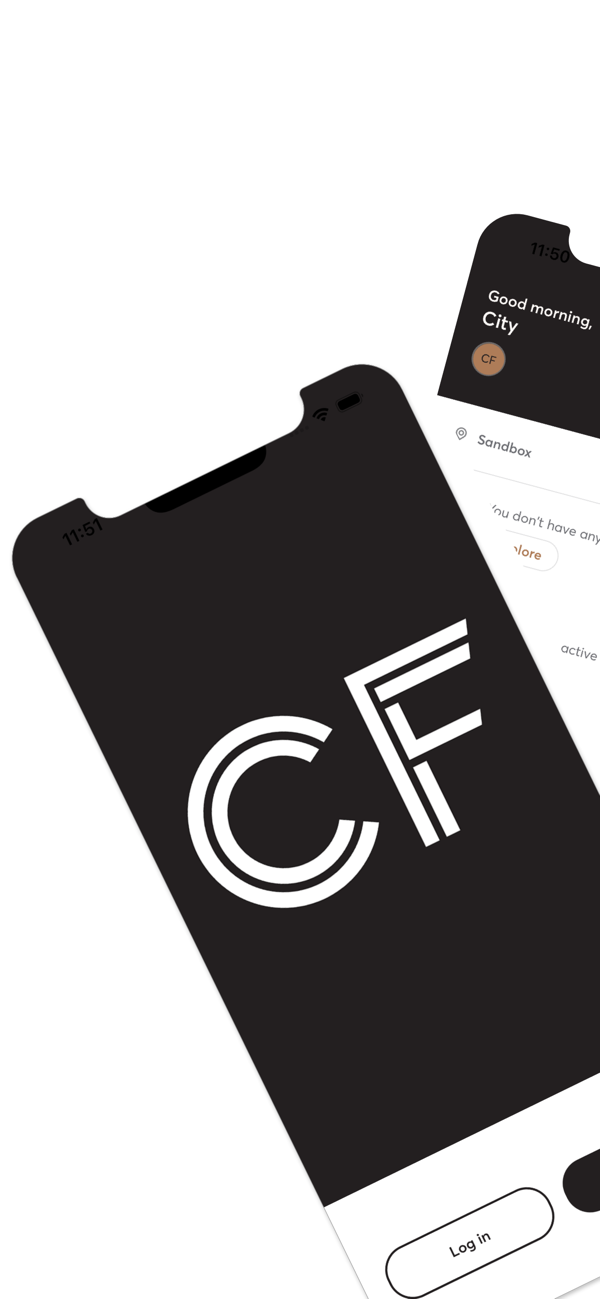
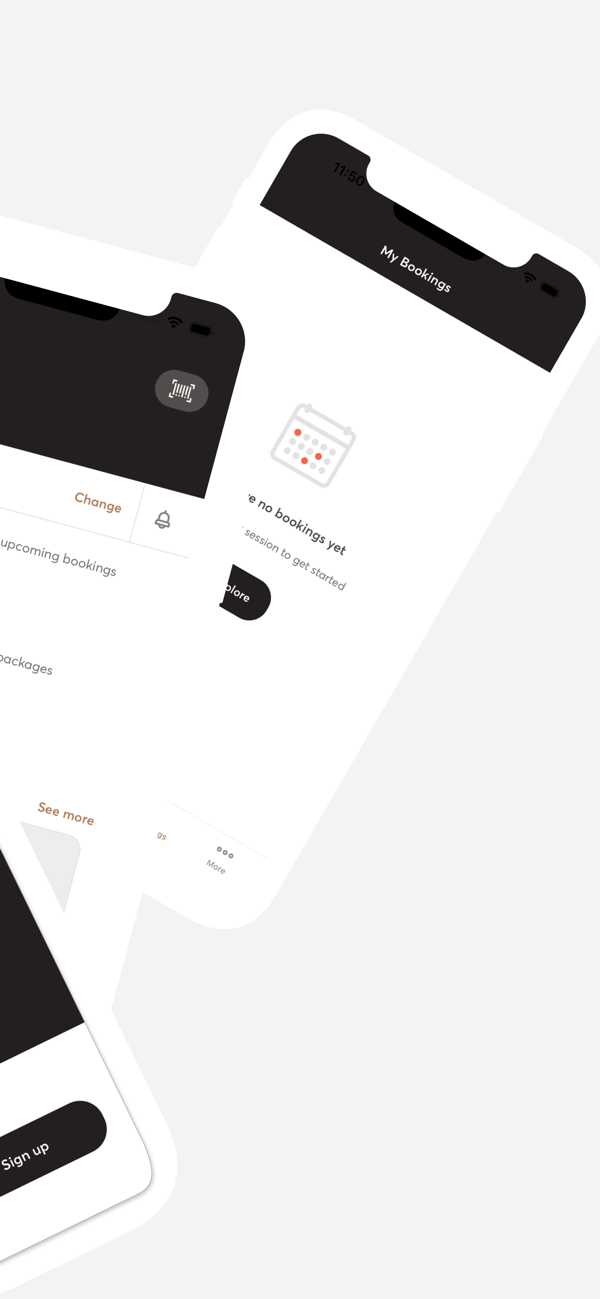
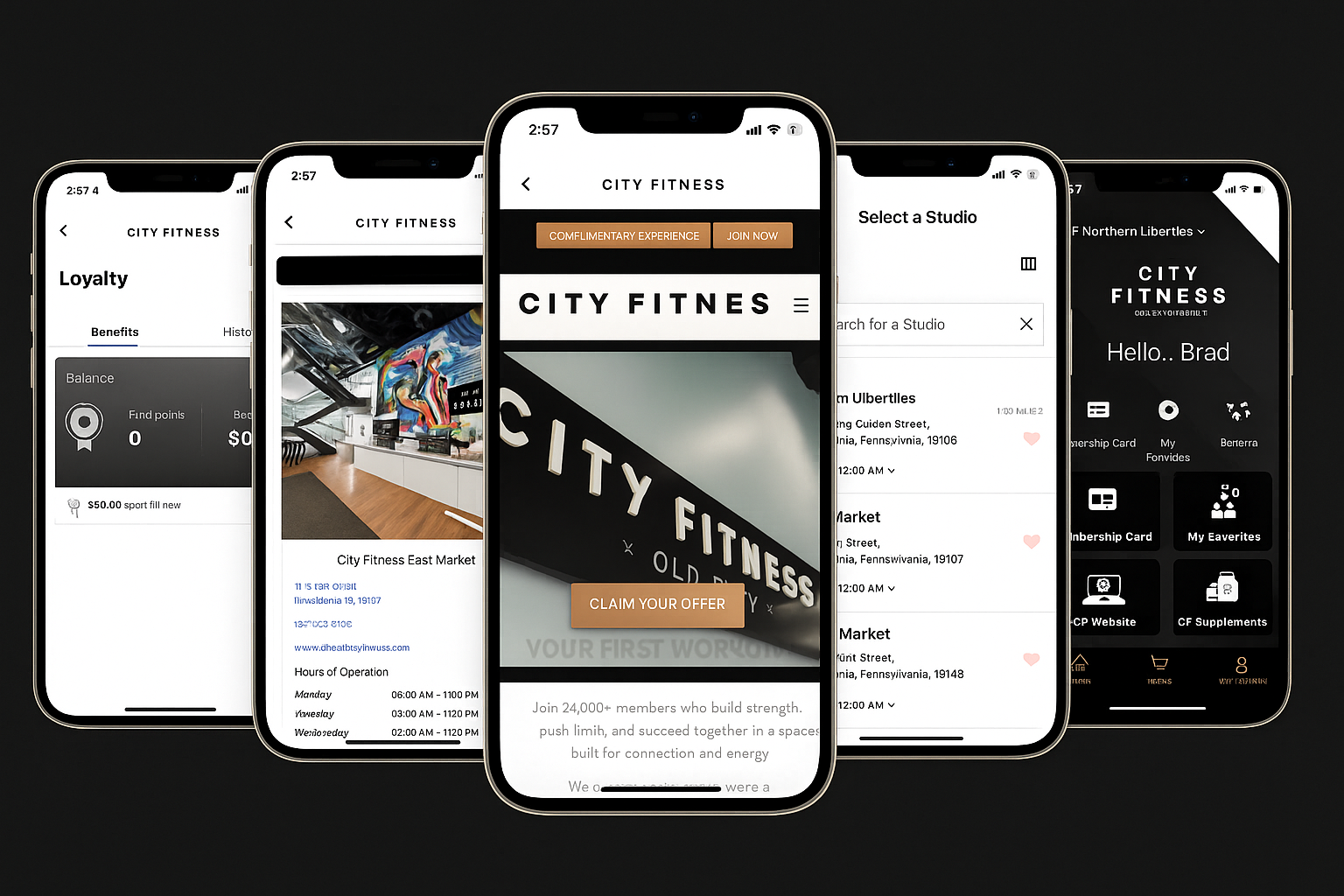
Your City Fitness experience, all in one app. Book your favorite classes, schedule CF/THRIVE training, check in at the club, manage your billing, and track your progress—right from your phone. Choose your location above to download the right app, then get next-level access wherever your fitness takes you.
How to Get Started with the City Fitness App
Download the App
Visit your device’s app store and search “City Fitness”, or use the links below:


Log In or Register
Once the app is downloaded, open it. You’ll be prompted to either Log In or Register a new account.
Existing Members: Enter the email address or phone number associated with your membership. You’ll be prompted to create a new password to complete your account setup.
New Users / Non-Members: Tap Register and sign up using a valid email address or phone number. Once registration is complete, you can begin exploring everything City Fitness has to offer!
Explore and Take Control of Your Fitness Experience
With your account set up, you'll be able to:
- Purchase City Fitness memberships
- Buy studio class packs
- Access CF/THRIVE memberships and sessions
- Manage your existing memberships
- Book, reschedule, or cancel classes
- Update your payment methods
- Track loyalty point balances
How to Get Started with the City Fitness New Jersey App
Download the App
Visit your device’s app store and search “City Fitness New Jersey”, or use the links below. Download it before your first visit: you’ll use the QR code inside the app to check in at the club.
Log In or Register
Once the app is downloaded, open it. You’ll be prompted to either Log In or Register a new account.
Existing Members: Enter the email address or phone number associated with your membership. You’ll be prompted to create a new password to complete your account setup.
New Users / Non-Members: Tap Register and sign up using a valid email address or phone number. Once registration is complete, you can begin exploring everything City Fitness has to offer!
Explore and Take Control of Your Fitness Experience
With your account set up, you'll be able to:
- Check in to the club using your in-app QR code
- Book Studio classes
- Manage your CF/THRIVE coaching sessions
- Book your Elevated Revive Recovery Sessions
- Manage your payment and billing
- Track your fitness progress
- Review your class schedule
- View coach and instructor info before you arrive